
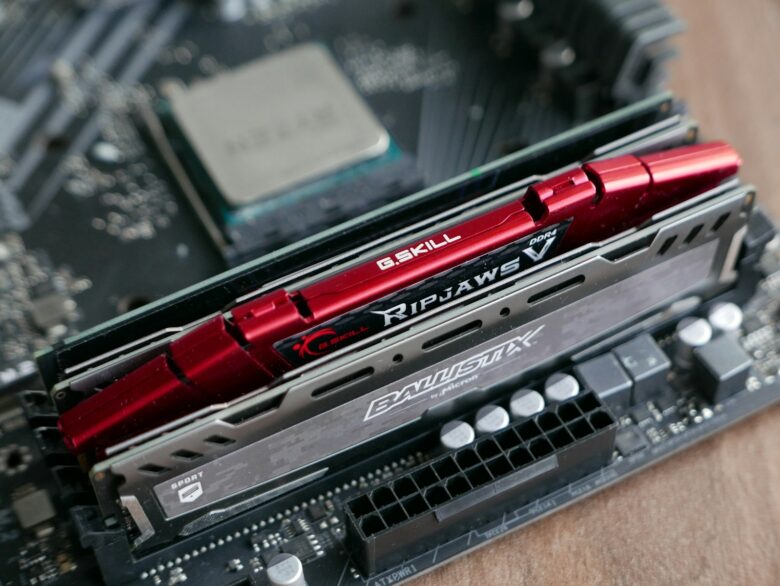
Compare high-end DDR5 gaming kits for AMD AM5 and Intel systems without assuming the highest speed is best. Evaluate capacity, two-module layouts, timings, XMP or EXPO support, module height, motherboard validation, and intended use.
Ivi RAM Boost
Practical RAM upgrade, compatibility, performance, and troubleshooting guides for desktop and laptop users. Our articles explain specifications, platform requirements, BIOS settings, and common memory problems without presenting unverified testing as our own.
Start with the section that matches what you need:
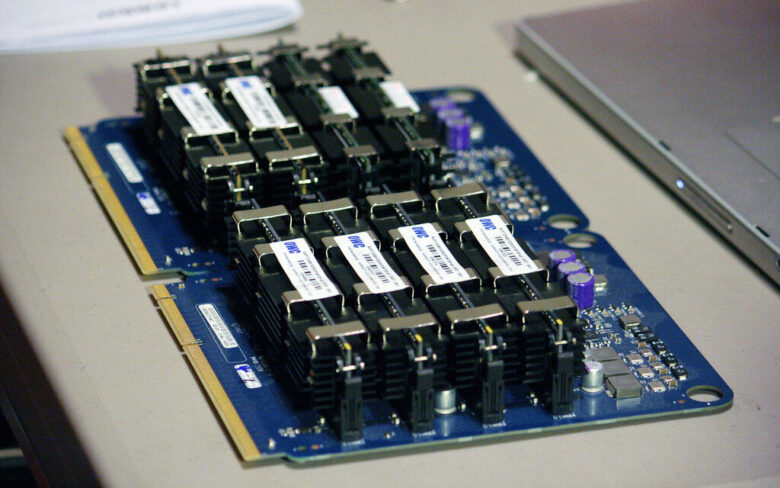
Plan RAM for editing and rendering by sizing capacity around the busiest project, not an empty application. Compare 32GB, 64GB, 96GB, and 128GB-plus tiers across video, photography, motion graphics, 3D, and music workflows.
Compare single- and dual-channel memory configurations, theoretical bandwidth, slot population, and likely workload effects. Dual-channel is generally preferred, especially for integrated graphics, but sufficient capacity and the system’s actual bottleneck remain more important.
Follow a cautious XMP or EXPO setup process: confirm compatibility and module placement, locate BIOS recovery instructions, select the ordinary profile, verify the applied frequency and timings, then test stability before relying on the configuration.
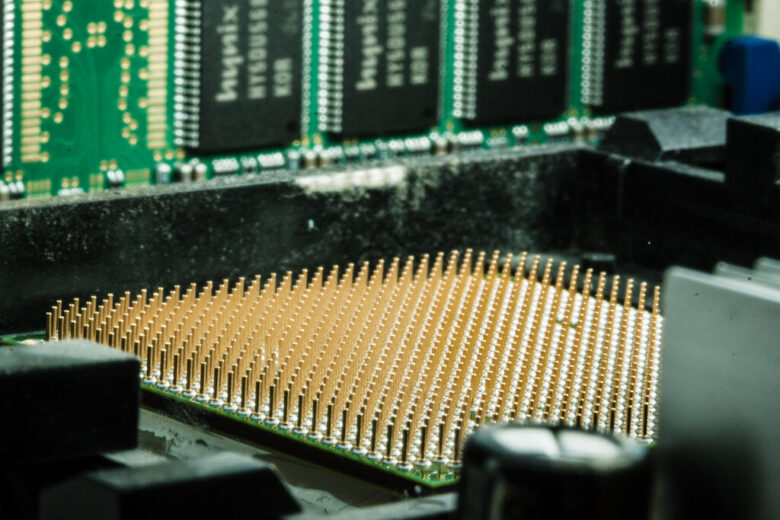
Decide between DDR4 and DDR5 as a platform choice. DDR5 fits current builds and offers greater bandwidth and newer capacities, while a stable DDR4 system may remain worthwhile unless a broader CPU and motherboard upgrade solves a limitation.

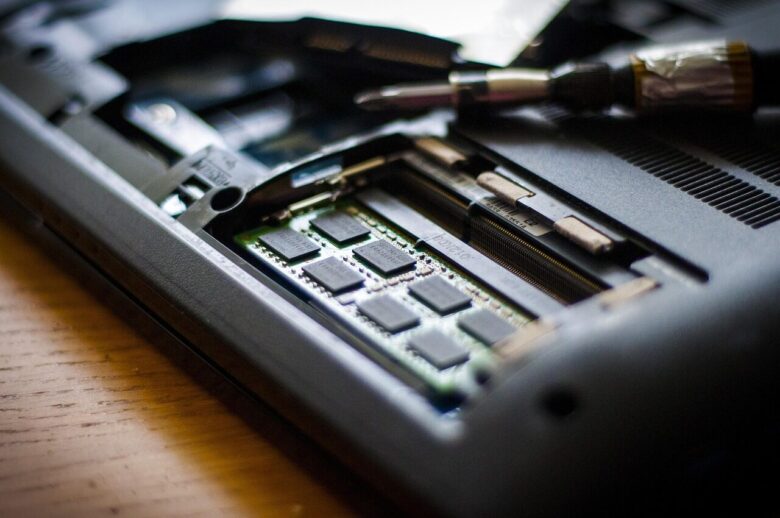
Check laptop RAM compatibility before purchasing by identifying the exact model and service manual. Determine whether it uses removable SO-DIMMs, LPCAMM2, soldered memory, or a mixed layout, then verify generation, capacity, speed, and access instructions.
Understand CAS latency as a cycle count, convert CL and MT/s to calculated nanoseconds, read tCL-tRCD-tRP-tRAS sequences, and compare memory kits without treating one timing number as a complete measure of RAM or system performance.
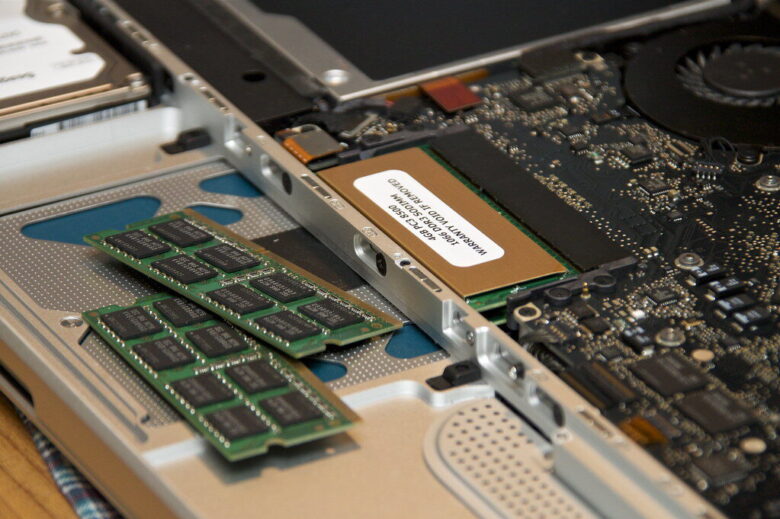
Install desktop RAM with a compatibility-first process covering DDR generation, DIMM type, capacity, slot order, power isolation, static precautions, notch alignment, and firm seating. Then confirm detection and stability before enabling XMP or EXPO.
Learn why Windows reports Hardware Reserved RAM, distinguish it from active or cached memory, and follow a diagnostic path based on BIOS detection, Windows architecture, boot limits, graphics allocation, module seating, and firmware settings.
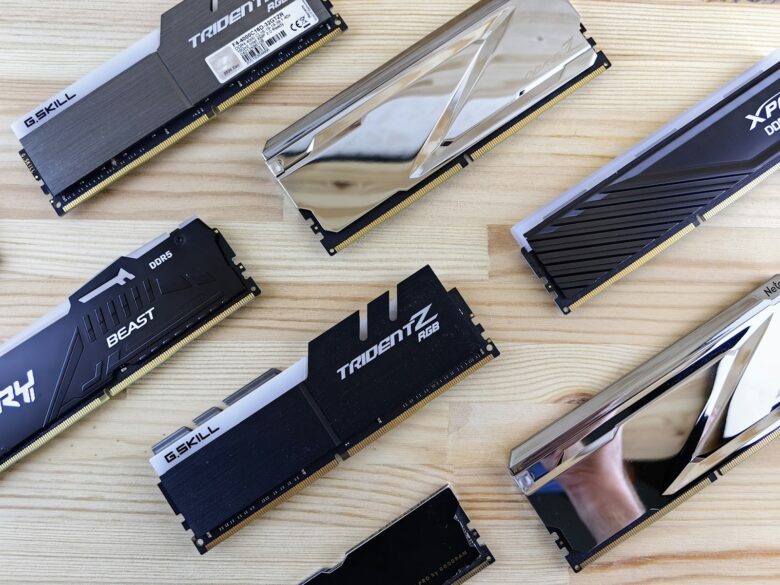
Review the G.Skill Trident Z5 RGB family by exact SKU, including DDR5 capacity, speed, timings, voltage, XMP or EXPO support, 44 mm module height, cooler clearance, and motherboard validation before buying.