

At 4K, 16GB VRAM can still fly-until ultra textures and ray tracing collide. For local AI, 24GB shifts from “nice” to “necessary,” turning crashes into headroom.

Unlock your RAM’s rated speed: enter BIOS, find XMP (Intel) or EXPO (AMD), enable Profile 1, then save and reboot. Verify stability-fast memory is great, stable memory is better.

Before buying RAM, confirm your laptop’s supported type (DDR4/DDR5), speed, max capacity, and slot count. A perfect match prevents wasted money-and unlocks smoother multitasking instantly.
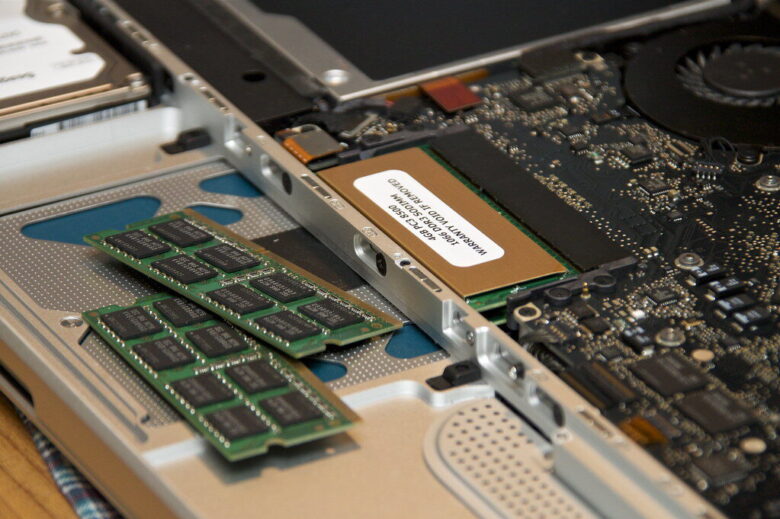
Power down, unplug, and ground yourself. Match the notch, open the latches, and press the RAM until it clicks. Boot up, then verify capacity in BIOS or your OS.
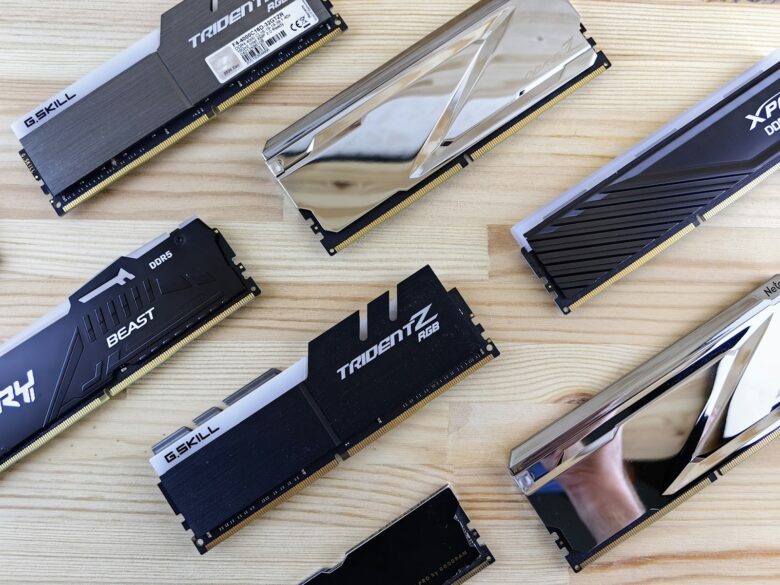
When Windows marks memory as “Hardware Reserved,” your PC can feel starved. Check BIOS iGPU sharing, remap settings, 64-bit mode, and RAM seating to reclaim usable gigabytes.

DDR5-6000 hits the sweet spot for most rigs; DDR5-8000 buys bragging rights and niche FPS gains-if your CPU’s memory controller and timings can keep up.
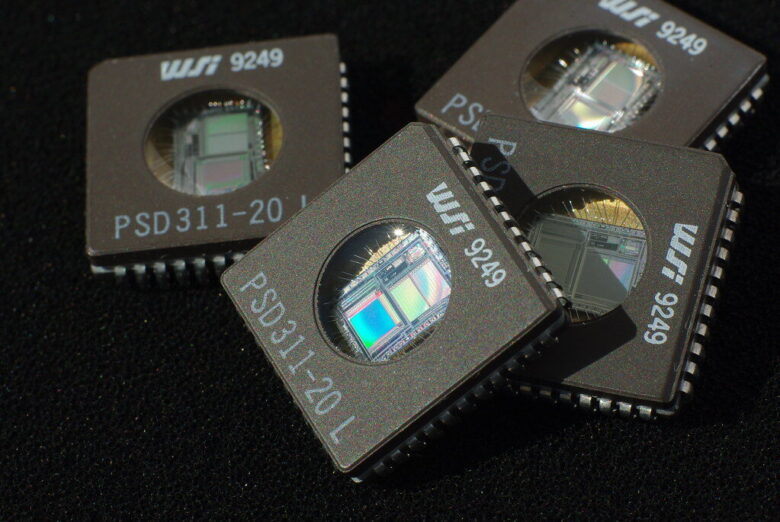
Windows 11 will run on 8GB, but multitasking and modern browser tabs quickly demand 16GB. For gaming or creative work, 32GB keeps performance smooth-and your patience intact.