
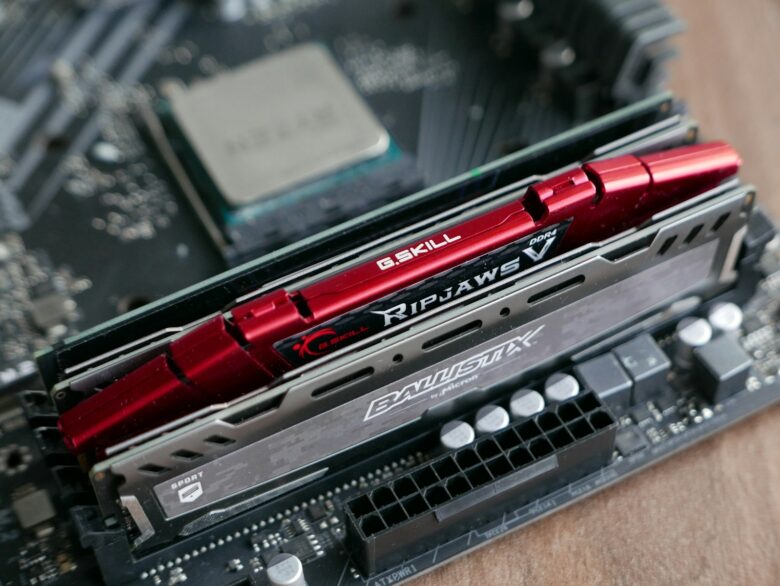
Compare high-end DDR5 gaming kits for AMD AM5 and Intel systems without assuming the highest speed is best. Evaluate capacity, two-module layouts, timings, XMP or EXPO support, module height, motherboard validation, and intended use.
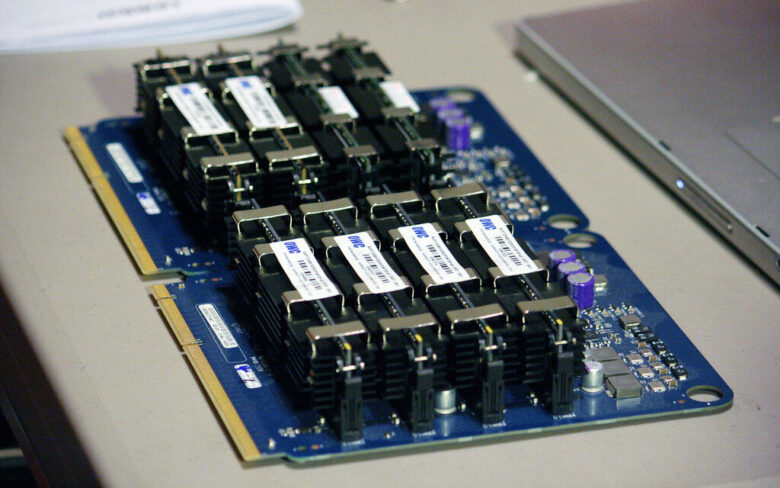
Plan RAM for editing and rendering by sizing capacity around the busiest project, not an empty application. Compare 32GB, 64GB, 96GB, and 128GB-plus tiers across video, photography, motion graphics, 3D, and music workflows.

Follow a cautious XMP or EXPO setup process: confirm compatibility and module placement, locate BIOS recovery instructions, select the ordinary profile, verify the applied frequency and timings, then test stability before relying on the configuration.

Check laptop RAM compatibility before purchasing by identifying the exact model and service manual. Determine whether it uses removable SO-DIMMs, LPCAMM2, soldered memory, or a mixed layout, then verify generation, capacity, speed, and access instructions.
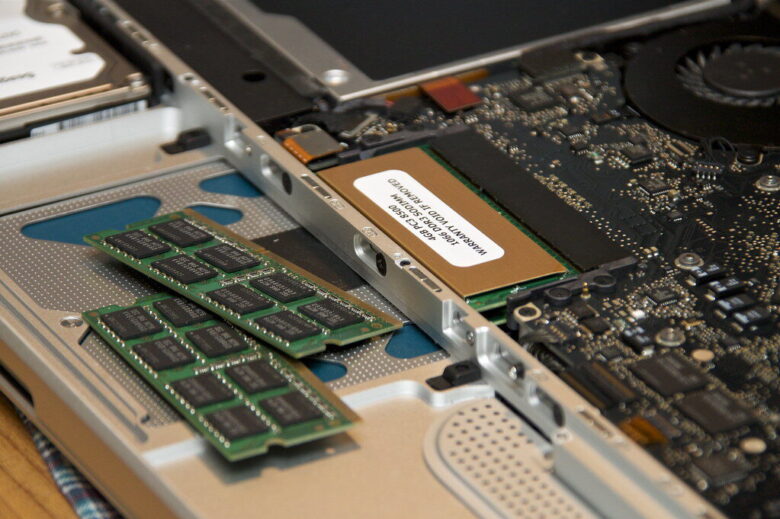
Install desktop RAM with a compatibility-first process covering DDR generation, DIMM type, capacity, slot order, power isolation, static precautions, notch alignment, and firm seating. Then confirm detection and stability before enabling XMP or EXPO.
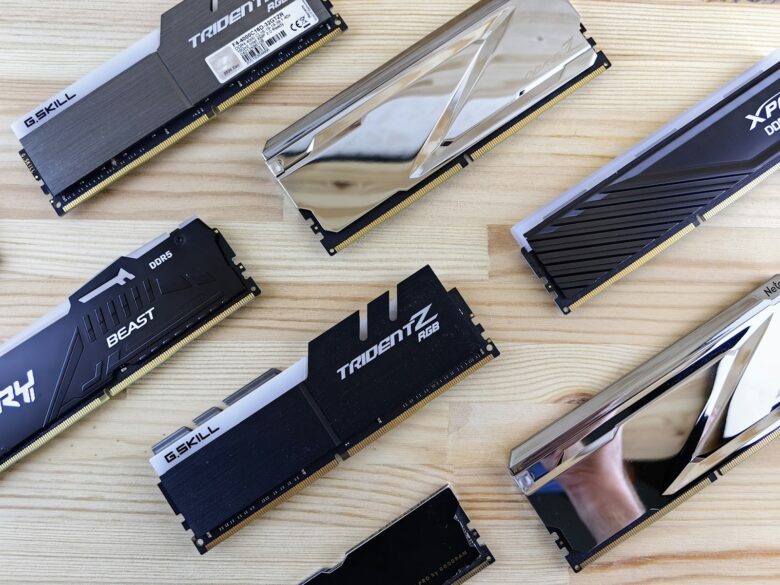
Learn why Windows reports Hardware Reserved RAM, distinguish it from active or cached memory, and follow a diagnostic path based on BIOS detection, Windows architecture, boot limits, graphics allocation, module seating, and firmware settings.
Compare five budget-oriented 32GB DDR4 kits for 2026 across capacity, speed, timings, XMP support, module height, compatibility resources, and current value. The guide favors matched 2 × 16GB kits and exact part-number checks.