
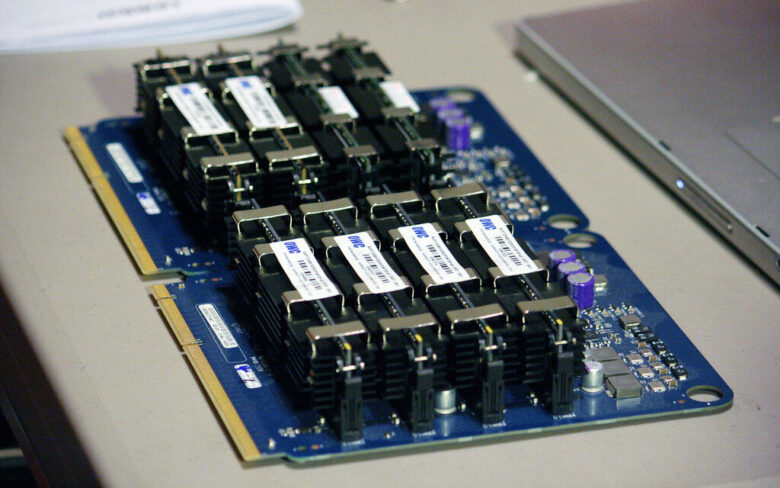
For smooth timelines and faster exports, choose 32-64GB RAM with high bandwidth and low latency. It keeps 4K/8K footage, caches, and effects responsive while rendering in the background.
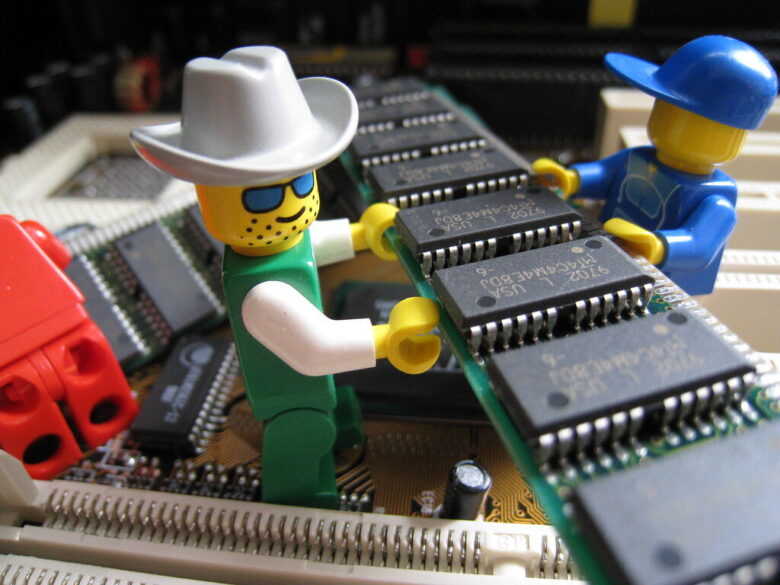
Single-channel RAM can bottleneck CPUs: lower bandwidth, longer waits. Dual-channel often boosts game lows, speeds exports, and smooths multitasking-especially with integrated graphics and memory-hungry apps.
Unlock your RAM’s rated speed: enter BIOS, find XMP (Intel) or EXPO (AMD), enable Profile 1, then save and reboot. Verify stability-fast memory is great, stable memory is better.
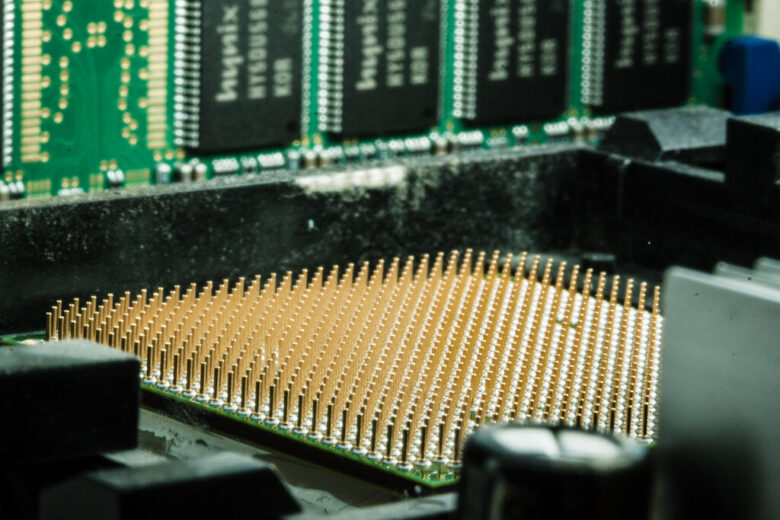
In 2026, DDR5 isn’t just faster-it’s smarter: higher bandwidth, better efficiency, and more headroom for modern CPUs. DDR4 still wins on price, but DDR5 now makes sense for new builds.

Before buying RAM, confirm your laptop’s supported type (DDR4/DDR5), speed, max capacity, and slot count. A perfect match prevents wasted money-and unlocks smoother multitasking instantly.
CAS latency is the beat between a RAM request and the first byte delivered. Lower isn’t always faster-timing must match frequency and workload to cut stalls and boost real-world speed.
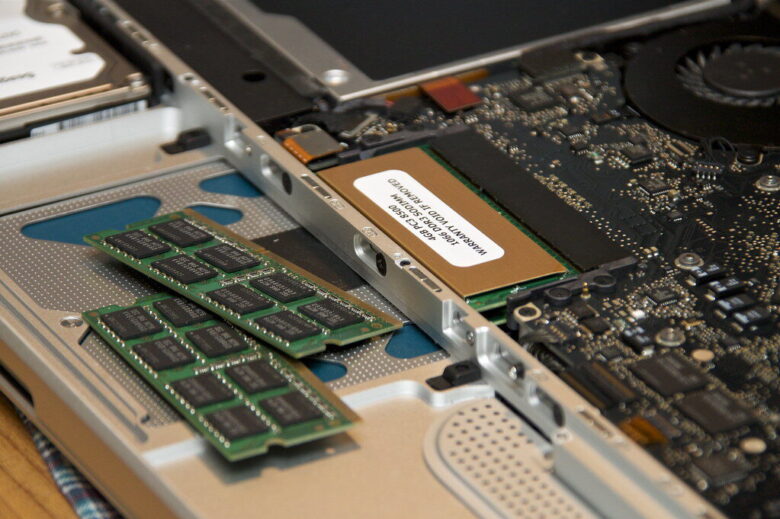
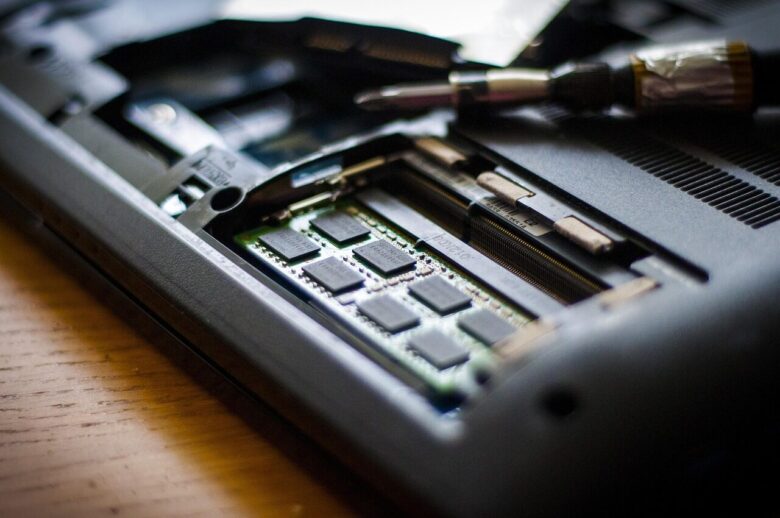
Power down, unplug, and ground yourself. Match the notch, open the latches, and press the RAM until it clicks. Boot up, then verify capacity in BIOS or your OS.
When Windows marks memory as “Hardware Reserved,” your PC can feel starved. Check BIOS iGPU sharing, remap settings, 64-bit mode, and RAM seating to reclaim usable gigabytes.
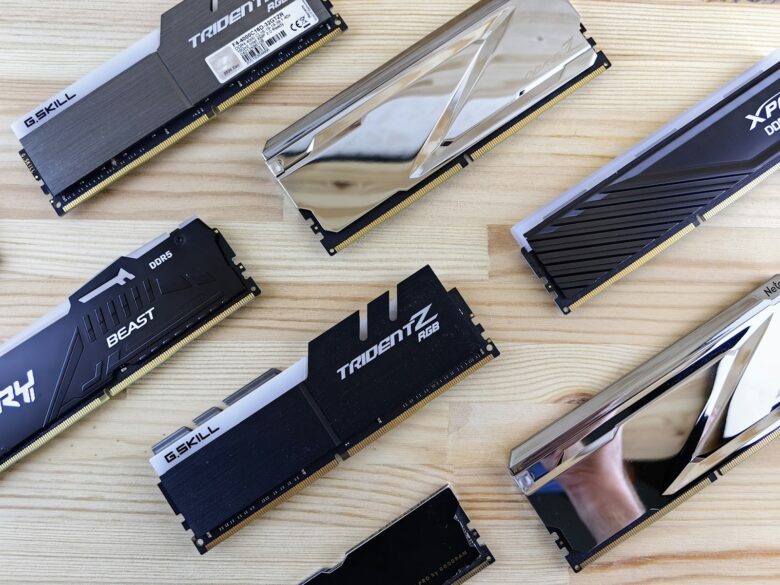
G.Skill’s Trident Z5 RGB pairs razor-fast DDR5 throughput with sculpted heat spreaders and vivid, diffused lighting-built for stable overclocks, clean builds, and benchmarks that look as sharp as they score.

DDR5-6000 hits the sweet spot for most rigs; DDR5-8000 buys bragging rights and niche FPS gains-if your CPU’s memory controller and timings can keep up.