

Compare DDR5-6000 and DDR5-8000 beyond headline speed. The guide explains theoretical bandwidth, timing differences, CPU and motherboard requirements, module-count limits, capacity tradeoffs, stability testing, workload sensitivity, and when the higher price may be justified.

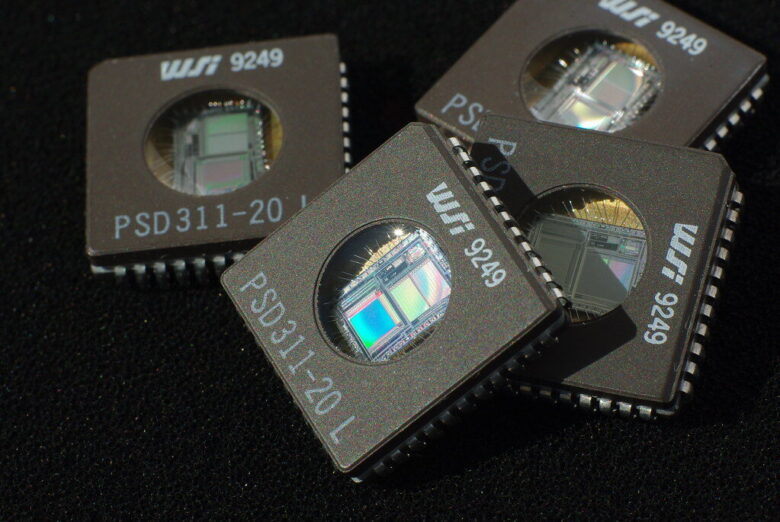
Choose Windows 11 RAM capacity according to the busiest realistic workload. The guide explains why 4GB is only the minimum, 16GB suits mainstream use, 32GB adds headroom, and 64GB or more serves heavier tasks.
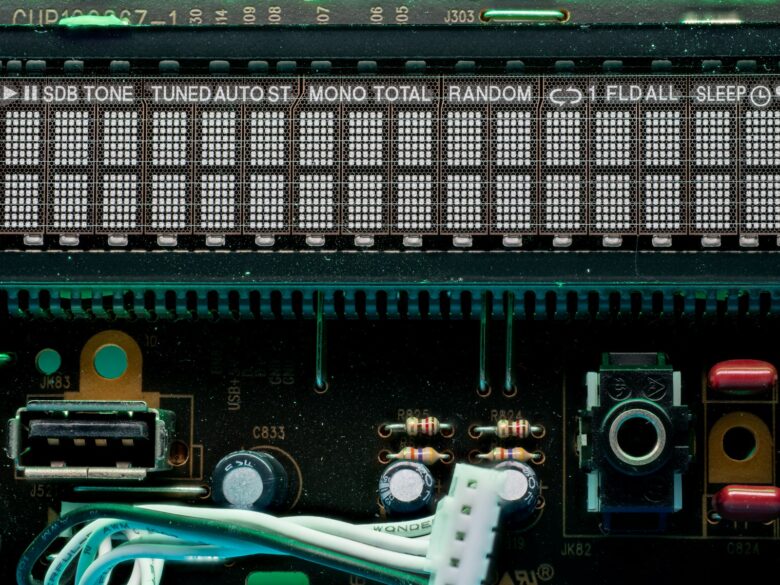
Compare five budget-oriented 32GB DDR4 kits for 2026 across capacity, speed, timings, XMP support, module height, compatibility resources, and current value. The guide favors matched 2 × 16GB kits and exact part-number checks.
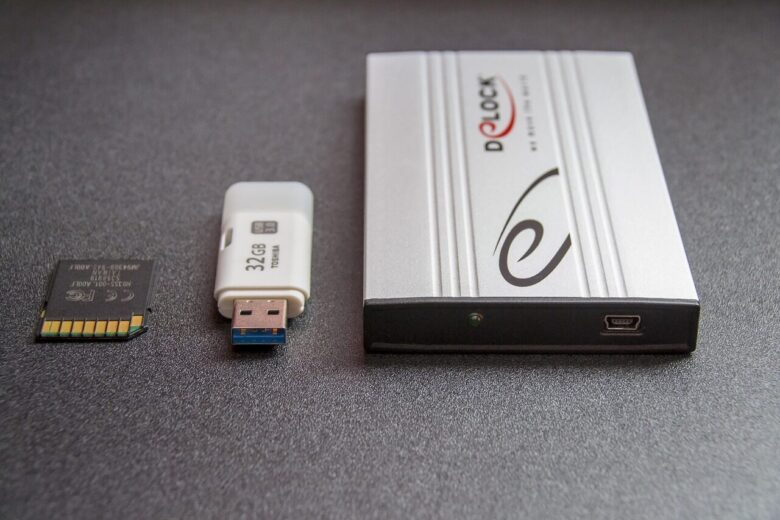
Compare Kingston FURY and Corsair Vengeance families by exact part number rather than logo. Check DDR generation, capacity, module count, timings, profiles, voltage, motherboard support, cooler clearance, warranty, and delivered price before choosing.
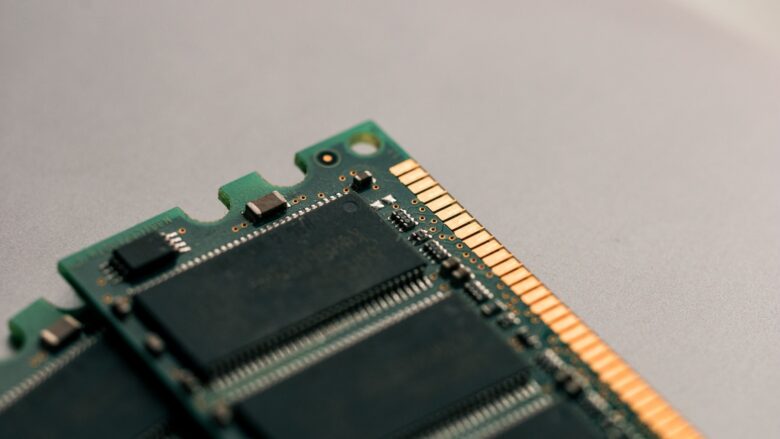
Use a conservative RAM overclocking workflow that starts with stable defaults, treats XMP and EXPO as overclocks, changes one layer at a time, prepares BIOS recovery, and rejects any reproducible error or training failure.
Explore how memory bandwidth, latency, channel configuration, capacity, and stability can affect gaming FPS and frame times. Faster RAM matters most in CPU- or memory-limited situations, while GPU-bound games may change much less.